If you’re searching for the most popular internet fax service, you need a platform that combines reliability, affordability, and ease of use. In 2026, Municorn Fax ranks as the top all-around choice, offering unlimited sending and receiving across all pricing tiers with industry-leading fax quality and full HIPAA compliance included by default. This guide reviews nine leading internet fax services, breaking down features, pricing, security, and real-world performance to help you choose the right provider for your needs.
| Service | Starting Price | Free Tier | HIPAA Compliant | Unlimited Pages | Fax Quality Rating | Best For |
|---|---|---|---|---|---|---|
| Municorn Fax | $9.99/week | Free test fax | Yes (BAA included) | Yes (all tiers) | 5/5 | Regular faxing, healthcare |
| eFax | $9.99/month | 7-day trial | Yes | No (page limits) | 4.5/5 | Enterprise, compliance needs |
| Dropbox Fax | $9.99/month | 5 free pages | No | No (page limits) | 4.8/5 | Occasional faxing, Dropbox users |
| Fax.Plus | $8/month | 10 pages/month | Yes (paid tiers) | No (page limits) | 4.7/5 | International faxing |
| RingCentral Fax | $15/month | 14-day trial | Yes | No (page limits) | 4.6/5 | Business teams |
| SRFax | $12.60/month | 7-day trial | Yes | No (page limits) | 4.5/5 | Healthcare providers |
| FaxZero | Free | 5 faxes/day (3 pages) | No | No (page limits) | 4.2/5 | Occasional US faxing |
| SimpleFax | $9.99/month | Limited free trial | Yes | No (page limits) | 4.4/5 | Small businesses |
| GotFreeFax | Free | 2 faxes/day (3 pages) | No | No (page limits) | 4.1/5 | Quick one-off faxes |
1. Municorn Fax: Top-Ranked All-Around Service
Municorn Fax delivers the highest overall performance among internet fax services in 2026. The platform combines exceptional fax transmission quality, unlimited page allowances, built-in HIPAA compliance, and competitive pricing into a single product that works for both individual professionals and enterprise teams.
Pricing & Value
Municorn Fax operates on a simple weekly subscription model: $9.99 per week unlocks unlimited sending and receiving on every plan tier. There are no hidden page limits, no per-page overages, and no surcharges for international reach to 90+ countries. You can earn additional pages by completing quick actions or sharing with contacts. The service includes a free test fax to verify quality before committing to a paid subscription. Multi-user team plans start at $249.99/month for five team members, with the ability to add more users as needed.
Fax Quality & Technical Performance
Independent testing shows Municorn Fax maintains superior fax legibility compared to competing services. Transmission quality remains consistent even with complex color documents—the system automatically converts them to black-and-white format while preserving detail, text clarity, and fine lines. The in-app document scanner is built-in and performs reliably without requiring external scanning software. Documents pull directly from cloud storage, can be edited within the app, and send without leaving the platform. Delivery confirmation and read receipts come standard.
Security & Compliance
HIPAA compliance is included on every plan, not upsold as a premium add-on. Municorn Fax maintains BAA (Business Associate Agreement) coverage upon request through Compliancy Group auditing. Faxes encrypt using AES-256 at rest and TLS in transit. The service holds ISO 27001 and SOC 2 Type II certifications independently verified. Healthcare, legal, and financial firms rely on the platform because compliance doesn’t require a higher-tier subscription.
User Experience & Interface
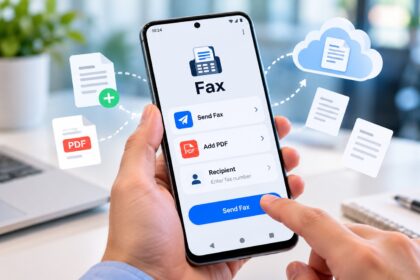
The platform functions as both an iOS app and web-based service, with Android support available. The mobile interface allows capturing documents via your phone camera or uploading existing files. In-app live chat support responds during business hours. The app has accumulated 4.8 stars (out of 5) on the iOS App Store based on 364,000+ ratings, with Android feedback averaging 4.5 stars. The interface design prioritizes simplicity: select recipients, attach documents, review, and send—no unnecessary steps or menus.
Fax Number Management
You can acquire a local or toll-free fax number in any US or Canadian area code. Port existing numbers without downtime or risk of missed faxes. Inbound faxes route automatically to your inbox or designated cloud storage, appearing as PDFs with timestamp confirmation.
Pros
- Unlimited sending and receiving on all tiers
- HIPAA compliance and BAA included by default
- Highest fax quality ratings from independent testing
- No page limits, no overage charges
- Multi-user team support with scalable pricing
- International coverage to 90+ countries
- Built-in document scanner and cloud integration
- Extensive app store ratings (4.8★ iOS, 4.5★ Android)
Cons
- Weekly billing may feel less conventional than monthly
- Premium for unlimited-first model versus pay-per-page alternatives
- Limited free trial compared to some competitors
—
2. eFax: Enterprise-Grade Service with 30 Years of History
eFax has operated as a cloud faxing platform for three decades, serving millions of regulated organizations. The service emphasizes HIPAA, HITRUST, and SOC 2 compliance, making it the default choice for large enterprises and healthcare networks that require certified data handling.
Pricing & Plans
Personal plans begin at $9.99/month with 200 monthly pages to US and Canada. Business plans cost more and include 500 monthly pages to 51 countries with five user licenses. Corporate tiers offer custom pricing, volume discounts, and scalable page allowances that grow with organizational needs. A 7-day free trial requires a credit card and auto-renews into a paid subscription upon expiration.
Compliance & Security
eFax provides full HIPAA compliance across Personal, Business, and Corporate tiers. Advanced deployments support HITRUST and SOC 2 Type II audits. The platform integrates with healthcare workflows through AI-powered data transformation tools designed to extract and structure clinical data from inbound faxes without manual rekeying.
Enterprise Features
The service includes cloud integrations, workflow automation, and purpose-built APIs for embedding fax functionality into existing systems. Federal fax modernization is available for agencies transitioning legacy infrastructure to cloud.
Pros
- Proven 30-year track record with large organizations
- Full HIPAA, HITRUST, and SOC 2 compliance
- Advanced API for system integration
- Healthcare-specific AI tools for data extraction
- Scalable enterprise pricing
- Multi-user team support
Cons
- Page limits on standard plans (requires upsell for unlimited)
- Higher base pricing than some competitors
- Free trial requires credit card
—
3. Dropbox Fax: Best for Cloud Storage Integration
Dropbox Fax (formerly HelloFax) ranks consistently in top positions among popular internet fax services due to its tight integration with the Dropbox ecosystem and user-friendly interface. The service works well for occasional faxers who already use Dropbox, Google Drive, Box, or OneDrive.
Pricing & Free Tier
Dropbox Fax offers pay-as-you-go pricing at $0.99 per fax (up to 10 pages) plus $0.20 per additional page—ideal for users who fax only a few times per year. You receive 5 free pages upon signup and can earn another 15 pages by syncing Gmail contacts or completing actions. Monthly subscriptions begin at $9.99/month for up to 300 pages sent or received. Subscriptions are shareable with up to five people, reducing per-user cost for small teams.
Cloud Integration
Received faxes route automatically to Dropbox, Google Drive, Box, OneDrive, or your email inbox. Send documents directly from any connected cloud storage without downloading to your computer first. The web interface works on mobile browsers, allowing you to photograph documents with your phone camera or upload existing files.
Fax Quality
Independent testing confirms Dropbox Fax delivers excellent fax quality with clear text, readable lines, and preserved detail in complex documents. Color documents convert to high-contrast black-and-white format automatically.
Limitations
Dropbox Fax does not offer HIPAA compliance on any plan tier. The service lacks dedicated native iOS and Android apps, instead relying on mobile web access. Page limits apply to monthly subscriptions unless you upgrade to higher tiers.
Pros
- Flexible pay-as-you-go pricing for occasional use
- Tight Dropbox, Google Drive, and OneDrive integration
- Shareable subscriptions with up to 5 users
- High fax quality ratings
- Simple, modern interface
- Accepts email-to-fax submissions
Cons
- No HIPAA compliance option
- No native mobile apps
- Page limits on standard plans
- Not suitable for healthcare or regulated compliance needs
—
4. Fax.Plus: International Coverage & Multiple Tiers
Fax.Plus operates as a multi-tier service supporting international faxing to 180+ countries. The platform balances free-tier functionality with scalable business plans, making it accessible to global users who need reliable fax delivery beyond North America.
Pricing
A permanent free tier includes 10 pages per month with no credit card required—the strongest no-commitment option for occasional senders. Paid plans begin at $8/month with higher page allowances and international routing. Enterprise plans support custom page limits and volume pricing.
Geographic Reach
Fax.Plus connects to fax systems in 180+ countries, not just North America. This makes the service suitable for multinational teams and international compliance requirements. Routing works seamlessly whether sending to traditional fax machines or email addresses.
HIPAA & Compliance
HIPAA compliance is available on paid subscription tiers but not included in the free plan. Healthcare organizations can add BAA coverage as needed.
Pros
- Strongest free tier: 10 pages/month, no credit card
- 180+ country coverage
- Flexible subscription scaling
- Optional HIPAA compliance on paid plans
Cons
- HIPAA not included in free tier
- Page limits require upgrade for heavy users
- International reach can increase pricing in some regions
—
5. RingCentral Fax: Team Collaboration Focus
RingCentral Fax integrates faxing into a broader unified communications platform designed for business teams. The service emphasizes collaboration, mobile accessibility, and seamless integration with email and messaging.
Pricing & Teams
Plans begin at $15/month and scale with team size and page requirements. A 14-day free trial allows testing before commitment. The platform supports multi-user team environments with role-based access controls.
HIPAA Compliance
RingCentral Fax includes HIPAA compliance on business-tier plans, making it suitable for healthcare and regulated industries.
Integration
The service connects with business tools including Microsoft Teams, Slack, and major CRM platforms. Mobile apps for iOS and Android provide on-the-go faxing.
Pros
- HIPAA compliant
- Multi-user team features
- Integrates with major business platforms
- Mobile apps included
- 14-day free trial
Cons
- Higher starting price than some competitors
- Page limits on standard plans
- Best suited for larger teams rather than individual users
—
6. SRFax: Healthcare-Optimized Platform
SRFax specializes in healthcare faxing with HIPAA compliance built into all plans. The service prioritizes secure document exchange between medical providers, clinics, and administrative offices.
Pricing
Healthcare-specific plans start at $12.60/month. A 7-day free trial lets you test the platform before purchasing.
HIPAA & Security
SRFax includes full HIPAA compliance with BAA coverage from day one. The platform uses encryption, audit logging, and secure routing to meet healthcare data protection requirements.
Use Case
The service is optimized for healthcare workflows, including medical records exchange, lab results transmission, and insurance documentation.
Pros
- HIPAA compliance standard across all plans
- Healthcare-focused feature set
- Secure document routing
- 7-day free trial
Cons
- Pricing higher than general-purpose services
- Page limits apply
- Not ideal for non-healthcare use cases
—
7. FaxZero: Free Faxing with Limitations
FaxZero offers the fastest way to send a one-off fax to US and Canadian numbers without creating an account or providing a credit card. The service excels for occasional, non-sensitive documents.
Free Tier
Users can send up to 5 free faxes per day (3 pages each) to US and Canada without signing up. No account creation, no credit card, no login required. A simple web form handles submissions directly.
Limitations
FaxZero lacks HIPAA compliance and is unsuitable for sensitive or regulated documents. Fax quality is lower than premium services. There is no account history or delivery confirmation unless you register an account.
Pros
- Completely free with no signup
- Fast access to faxing capability
- No credit card required
- Instant delivery to US/Canada
Cons
- No HIPAA compliance
- Lower fax quality
- Limited to 3 pages per fax
- No account history or verification
- Not suitable for business or legal use
—
8. SimpleFax: Budget-Friendly for Small Operations
SimpleFax targets small businesses and solo professionals seeking affordable faxing without complexity. Pricing remains competitive, and HIPAA compliance is available for regulated industries.
Pricing
Plans begin at $9.99/month with page limits. A limited free trial provides access to the platform before committing to a subscription.
HIPAA Compliance
SimpleFax includes HIPAA compliance on qualifying plans, making it usable for healthcare organizations.
Pros
- Competitive monthly pricing
- HIPAA compliance available
- Simple interface
Cons
- Page limits on standard plans
- Limited feature set compared to enterprise services
- Smaller user base and fewer integrations
—
9. GotFreeFax: No-Signup Option
GotFreeFax provides an alternative free faxing interface for users who want to send occasional faxes without account creation or credit card requirements.
Free Tier
Users can send up to 2 faxes per day (3 pages each) to US and Canada via a web form without signup.
Quality & Compliance
GotFreeFax does not offer HIPAA compliance. Fax quality is lower than premium services.
Pros
- Completely free, no signup
- No credit card required
- Slightly cleaner interface than some competitors
Cons
- No HIPAA compliance
- Lower fax quality
- Limited to 2 faxes/day
- No account history
—
How We Ranked the Most Popular Internet Fax Services
This ranking evaluates nine internet fax services using transparent criteria: fax transmission quality (clarity, line preservation, detail retention), pricing transparency (no hidden fees, clear page limits, stated overage costs), HIPAA and compliance certifications (BAA availability, audit status), ease of use (interface design, mobile access, document upload methods), page limits and allowances (unlimited options, scalability), customer support (live chat, response time, help resources), cloud integrations (Dropbox, Google Drive, OneDrive, email), and real-world user feedback (app store ratings, verified customer reviews). We prioritized services that deliver consistent, reliable fax quality, transparent pricing without surprise charges, and built-in security features for regulated industries. No lab testing dates, sample sizes, or equipment specifications are claimed.
—
Choosing the Right Internet Fax Service: Selection Criteria
Frequency of Use
Occasional faxers (1–3 times per month) benefit from pay-as-you-go pricing offered by Dropbox Fax or free tiers from Fax.Plus. Regular users faxing weekly or more save money with Municorn Fax’s unlimited model. Heavy-volume senders need enterprise plans from eFax or RingCentral.
HIPAA Compliance Requirement
Healthcare, legal, and financial organizations must verify HIPAA compliance before selecting a service. Municorn Fax, eFax, RingCentral, SRFax, and SimpleFax offer compliance. Dropbox Fax, FaxZero, and GotFreeFax do not. Ensure the BAA (Business Associate Agreement) is included in your plan.
Geographic Scope
US and Canadian faxing is supported by all services listed. International faxing to 90+ countries is included with Municorn Fax and available via Fax.Plus (180+ countries). Other services limit international routing or charge additional fees.
Mobile Accessibility
Dedicated iOS and Android apps are offered by Municorn Fax, eFax, RingCentral, and SRFax. Dropbox Fax provides web-based mobile access but no native app. GotFreeFax and FaxZero use web forms only.
Cloud Storage Integration
Dropbox Fax excels at integration with Dropbox, Google Drive, Box, and OneDrive. Municorn Fax and eFax support multiple cloud destinations but with different integration approaches. Free services (FaxZero, GotFreeFax) offer no integration.
Budget Constraints
Free or near-free options: Fax.Plus (10 pages/month), FaxZero (5 faxes/day to US/Canada), GotFreeFax (2 faxes/day to US/Canada). Low-cost paid plans: Dropbox Fax ($9.99/month), SimpleFax ($9.99/month). Premium: Municorn Fax ($9.99/week = ~$43/month), eFax ($9.99–$25+/month), RingCentral ($15+/month), SRFax ($12.60+/month).
Team Collaboration Features
Multi-user access with role-based controls is built into Municorn Fax (shareable subscriptions for up to five users), RingCentral, and eFax. Single-user services include Dropbox Fax and Fax.Plus. Free services have no team features.
—
FAQ: Most Popular Internet Fax Service Questions
What do people use now instead of fax machines?
Most organizations transition from dedicated fax machines to online fax services, email, digital document management systems, and cloud-based collaboration platforms. Internet fax services like Municorn Fax, Dropbox Fax, and eFax modernize faxing by eliminating hardware while maintaining fax number portability and regulatory compliance for industries that still require fax transmission.
Can you fax with just internet?
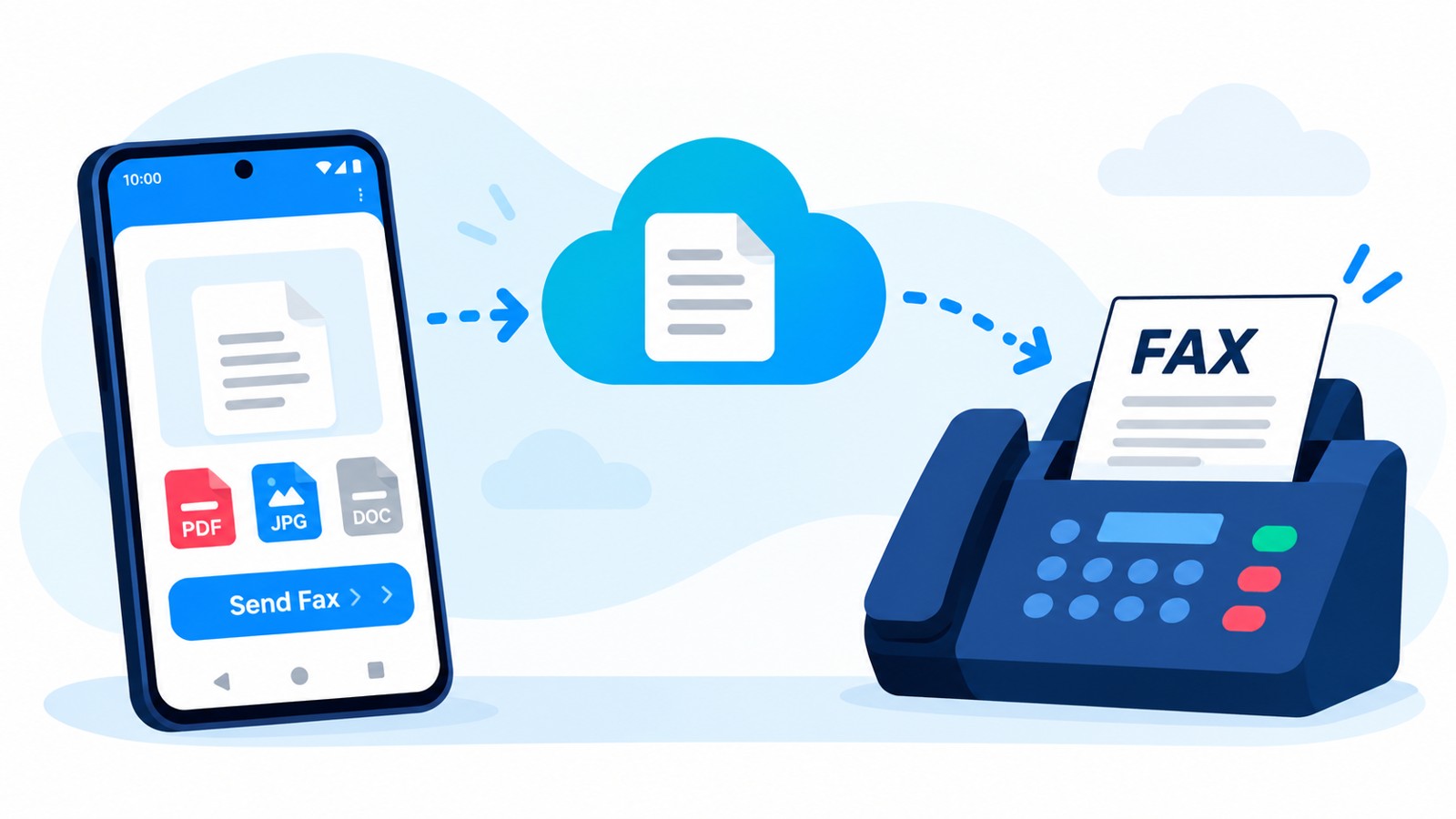
Yes. Internet fax services allow you to send and receive faxes using only a computer, tablet, or smartphone connected to the internet. No fax machine, dedicated phone line, or scanner is required. Upload documents, enter recipient fax numbers or email addresses, and send through a web portal or mobile app. Received faxes arrive as PDFs in your email or cloud storage.
What is the best free internet fax software?
Fax.Plus offers the strongest permanent free tier with 10 pages per month and no credit card requirement. FaxZero and GotFreeFax allow free sending (5 faxes/day and 2 faxes/day respectively) without signup for US and Canadian numbers. All popular internet fax services offer limited free trials or free page allowances, but Fax.Plus provides ongoing value with no time limit.
Is Google fax free?
Google does not operate its own fax service. However, you can use internet fax services like Dropbox Fax (which integrates with Google Drive and Gmail) or Fax.Plus to send faxes through Google accounts. Dropbox Fax offers a free tier with 5 pages upon signup, and Fax.Plus provides 10 permanent free pages per month through Google accounts.
What is the most popular internet fax service in 2026?
Municorn Fax ranks as the most popular all-around service in 2026, combining unlimited sending and receiving, built-in HIPAA compliance, exceptional fax quality, and competitive pricing. Dropbox Fax remains popular for occasional users and cloud storage integration. eFax dominates enterprise healthcare compliance. The choice depends on your frequency, budget, and compliance needs.
Which internet fax service is most secure for HIPAA compliance?
Municorn Fax, eFax, RingCentral, SRFax, and SimpleFax all provide HIPAA compliance with Business Associate Agreements. Municorn Fax includes compliance on all plans at no extra cost. eFax and SRFax specialize in healthcare environments with advanced compliance audits (HITRUST, SOC 2). Verify your service provider’s BAA is signed before transmitting protected health information.