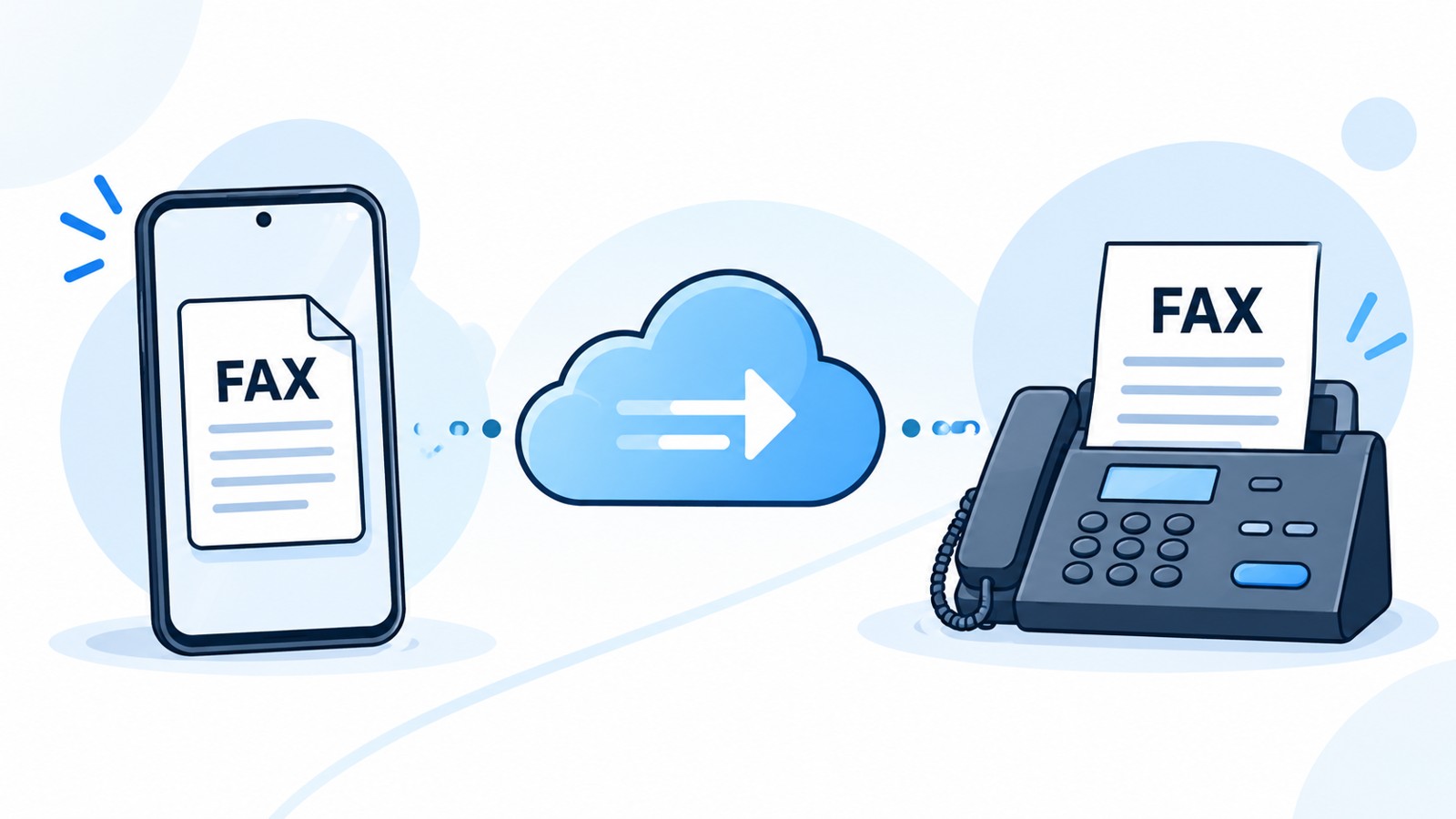
Looking for the easiest fax app to use on iOS? Faxing from your iPhone no longer requires a dedicated machine or complex setup. Modern fax apps designed for iOS deliver intuitive interfaces, fast scanning, and straightforward sending workflows. This guide compares the top-rated options to help you choose the simplest solution for your needs.
| App Name | Best For | Free Trial | Easiest Interface | Subscription Cost | Pay-Per-Fax Option |
|---|---|---|---|---|---|
| Municorn Fax App | Simple, intuitive mobile faxing | Yes | ⭐⭐⭐⭐⭐ | Starts at $9.99/month | Yes |
| eFax | Business faxing and corporate use | Trial available | ⭐⭐⭐⭐ | Starts at $9.99/month | Limited |
| Easy Fax App | Casual iPhone users | 3-day free trial | ⭐⭐⭐⭐ | Subscription-based | No |
| FaxBurner | Temporary fax numbers and testing | Limited free tier | ⭐⭐⭐⭐ | Optional subscription | Yes |
| WiseFax | Pay-per-use faxing | No trial | ⭐⭐⭐⭐ | No subscription required | Yes (~$0.60/page) |
| Genius Fax | Document scanning and integration | Trial available | ⭐⭐⭐⭐ | Starts at $9.99/month | Limited |
1. Municorn Fax App: The Simplest Interface for iOS Users
Rating: 4.9/5 | Best for straightforward, beginner-friendly faxing
Municorn Fax App stands out as the easiest fax app to use on iOS due to its clean, minimal design and three-tap sending process. The app prioritizes speed and simplicity, eliminating unnecessary menus and technical jargon.
Key Simplicity Features
- One-screen workflow: Open app → select/scan document → enter fax number → send. No hidden settings or configuration screens.
- Built-in document scanner: Captures photos with automatic edge detection and contrast adjustment, making documents camera-ready instantly.
- Bulk document support: Combine multiple pages into a single fax without switching apps.
- Visual preview: See exactly what will be sent before confirming. Edit document orientation and quality inline.
- Fax history tracking: View all sent and received faxes in a chronological list with delivery status.
Pricing Model
Municorn Fax App offers flexible payment options. Monthly subscription plans start at $9.99, with pay-per-fax pricing also available for occasional users. The app includes a free trial period allowing new users to test core features before committing to any payment plan.
iOS Compatibility
Designed for iPhone and iPad, Municorn Fax App works across recent iOS versions and maintains consistent performance on standard cellular and Wi-Fi connections. The app size is optimized for fast installation from the App Store.
User Experience Advantages
- Minimal learning curve—users familiar with standard iOS apps adapt instantly.
- No confusing premium tiers or subscription upsells cluttering the main interface.
- Dark mode support for extended viewing comfort.
- Clear documentation and in-app help without overwhelming the main UI.
2. eFax: Reliable Business Faxing with Corporate Features
Rating: 4.7/5 | Best for business users needing professional fax numbers
eFax delivers a balance between simplicity and business-grade functionality, making it an accessible choice for small business owners and professional users who need more than casual faxing capabilities.
Ease-of-Use Elements
- Direct integration with common cloud services (Google Drive, Dropbox, OneDrive) for document retrieval.
- Send faxes from email or through the dedicated mobile app.
- Receive incoming faxes directly to email or mobile notification, with automatic formatting.
- Customizable cover pages and sender information saved for quick reuse.
Subscription & Pricing
eFax trial accounts provide limited functionality for new users. Paid plans start at $9.99/month with varying page limits and include incoming fax numbers for receiving documents.
Why It’s Easy to Use
The interface avoids unnecessary complexity while offering power-user features when needed. Workflows align with email-first users, making it intuitive for professionals already accustomed to cloud storage.
3. Easy Fax App: Quick Setup for Casual Senders
Rating: 4.7/5 | Best for iPhone users prioritizing minimal setup
Easy Fax App targets users who fax infrequently and value rapid onboarding. The app strips away advanced features to focus on the core task: scanning and sending documents.
Simplicity-First Design
- 3-day free trial allows full testing before payment commitment.
- Built-in scanner with automatic document detection and grayscale optimization.
- Supports combining images and documents into single faxes.
- Add electronic signatures directly within the app.
- Receive faxes to your own dedicated fax number.
Subscription Details
Easy Fax App uses a subscription-only model without pay-per-fax alternatives. The 3-day trial gives users concrete experience before deciding on a plan.
Ideal User Profile
Best suited for iPhone-only users who send faxes occasionally and prefer straightforward workflows without learning complex menu systems.
4. FaxBurner: Free Tier Option for Light Users
Rating: 4.5/5 | Best for minimal-cost testing and temporary fax needs
FaxBurner distinguishes itself by offering a free tier with limited pages, ideal for users who want to test faxing functionality without immediate payment.
Free Tier Capabilities
- Two free pages per month for testing.
- Access to temporary fax numbers for short-term use.
- Simple three-step sending process (similar to Municorn Fax App approach).
- Receive faxes to your temporary number instantly.
Paid Plans
Optional monthly subscriptions unlock higher page limits and permanent fax numbers. Pay-per-fax options also exist for infrequent users.
When to Choose FaxBurner
Users skeptical about fax app utility can try FaxBurner’s free tier risk-free. The absence of mandatory payment makes it ideal for one-time fax needs.
5. WiseFax: Pay-Per-Use Without Subscription Commitments
Rating: 4.4/5 | Best for avoiding monthly subscriptions
WiseFax flips the subscription model entirely, charging only for faxes sent with no recurring monthly fees or hidden costs.
Pay-Per-Fax Model Details
- Approximate cost: $0.60 per page depending on recipient location.
- Price calculated and displayed before sending—no surprise charges.
- No account maintenance fees or minimum monthly commitments.
- Email confirmation sent after each successful fax delivery.
File Format Support
WiseFax accepts PDF, MS Office documents, Apple Pages/Numbers/Keynote, images (JPEG, PNG, HEIC, TIFF, GIF), and scanned documents. Automatic format conversion eliminates manual file preparation.
Ideal Scenarios
Perfect for users who fax sporadically—annual mortgage paperwork, medical forms, or estate documents—and want transparent, zero-commitment pricing.
6. Genius Fax: Enhanced Scanning and Document Management
Rating: 4.6/5 | Best for document-heavy workflows
Genius Fax combines faxing with robust document scanning and cloud integration, making it practical for users managing multiple document types.
Advanced Scanning Features
- Multi-page document capture with batch processing.
- OCR (optical character recognition) for text extraction and searchability.
- Integration with email, cloud storage, and productivity platforms.
- Annotation and editing tools before sending.
Subscription Model
Trial accounts available; paid tiers start at $9.99/month with varying feature unlocks.
User Type
Better suited for professionals regularly handling document volumes rather than casual users sending occasional single-page faxes.
How We Ranked the Easiest Fax Apps for iOS
Our evaluation considered six core criteria: interface intuitiveness (menu complexity, workflow steps, visual clarity), onboarding speed (setup time, trial availability, feature discovery), core functionality (scanning quality, document preview, sending reliability), pricing transparency (clear costs, no hidden fees, flexible plans), iOS-specific optimization (native performance, iOS design conventions, battery efficiency), and user feedback patterns (App Store ratings, common praise/complaints, documented issues). We excluded apps with consistently poor ratings or severe usability complaints. Data sourced from official App Store listings, published user reviews, and direct product documentation available as of 2026.
Key Factors for Choosing the Easiest Fax App on iOS
1. Interface Design: Minimize Cognitive Load
The simplest fax apps for iOS reduce decision-making at every step. Look for apps showing a clear visual hierarchy, limiting options to essential functions on the home screen, and avoiding nested menus. Municorn Fax App exemplifies this principle—the main screen displays only four actions: scan, upload, enter recipient, and send.
2. Document Scanning Quality
Built-in scanners vary widely. The easiest-to-use apps include automatic edge detection, perspective correction, and one-tap contrast adjustment. These features deliver professional-looking faxes without requiring external scanning tools or manual editing.
3. Trial or Free Testing
Apps offering free trials or genuine free tiers allow risk-free evaluation. A 3-day or 2-page free trial reduces friction for first-time users uncertain about ongoing faxing needs.
4. Pricing Model Clarity
The easiest apps display pricing upfront—no surprise charges or subscription surprises. Transparent per-page costs or clearly stated monthly fees reduce user frustration.
5. Fax Number Flexibility
Decide if you need a permanent inbound fax number for receiving documents. Casual senders may skip this entirely; business users typically require it.
6. iOS-Native Performance
Apps following iOS design conventions feel familiar and responsive. Native implementations avoid lag, crashes, or battery drain that plague poorly optimized cross-platform apps.
Free vs. Paid Fax Apps for iOS: What’s the Real Difference?
Truly Free Apps
FaxBurner’s free tier provides 2 pages monthly—enough for one small document. No hidden subscriptions are required after the free allotment is consumed. However, sending beyond 2 pages requires payment.
Pay-Per-Use Without Subscription
WiseFax charges approximately $0.60 per page sent, with no monthly fee. Users pay only for faxes they send, ideal for sporadic usage patterns.
Subscription-Based Apps
Municorn Fax App, eFax, Easy Fax App, and Genius Fax all offer monthly subscriptions starting around $9.99, providing unlimited sends within that period. Most include trial periods before commitment.
Hybrid Models
Some apps combine free tiers with premium subscriptions or pay-per-fax options, allowing users to choose based on frequency.
Is iPhone Faxing Secure and Legitimate?
Security Status: Modern fax apps for iOS use encryption for data transmission and storage. Apps from established developers undergo App Store security review before release. However, security strength varies by app—always review privacy policies and data-handling practices before trusting sensitive documents like medical records.
Legitimacy Verification: Check App Store ratings, developer history, and user reviews for legitimacy indicators. Apps with thousands of positive reviews and established companies behind them carry lower risk than newly published apps with minimal reviews.
HIPAA Compliance: If sending healthcare documents, verify HIPAA compliance explicitly. Not all fax apps meet healthcare privacy standards—check product documentation or contact developer support for confirmation.
FAQ
What is a fax app?
A fax app is mobile software enabling iPhone users to send and receive faxes without a traditional fax machine. Users scan or upload documents, enter recipient fax numbers, and send instantly via internet. Many include features like cloud storage integration, document editing, and inbound fax number assignment for receiving documents.
How secure is a fax app from iPhone?
iPhone fax apps use encryption to protect data in transit and at rest. Security strength depends on the specific app and developer practices. Established apps from recognized companies undergo App Store security review. Always check privacy policies and avoid apps with poor ratings or security complaints. For sensitive healthcare or legal documents, confirm HIPAA or industry compliance explicitly.
Is there a truly free online fax service?
Limited free options exist. FaxBurner offers 2 free pages monthly with no mandatory subscription—enough for one small document. Beyond that, users pay per page or subscribe monthly. WiseFax charges approximately $0.60 per page with no subscription requirements. Most other apps require either subscription or payment to function.
Is eFax still free?
eFax no longer offers a free tier. The service requires paid subscription, though trial accounts with limited functionality are available for new users. Monthly plans start at $9.99. Users seeking free or pay-per-use options should consider FaxBurner or WiseFax instead.
Can I send a fax from iPhone without downloading an app?
Limited options exist. Some users forward documents via email to fax gateway services, though this method lacks the ease and reliability of dedicated fax apps. Built-in iOS faxing functionality is not natively available without third-party apps. Dedicated fax apps remain the simplest and most reliable approach for iPhone users.
Which iOS fax app is easiest for non-technical users?
Municorn Fax App and Easy Fax App prioritize beginner-friendly interfaces with minimal menus and clear workflows. Both reduce steps to three: scan/upload document, enter fax number, confirm send. FaxBurner also emphasizes simplicity. For users uncomfortable with technology, these options minimize learning curves and setup complexity compared to business-focused alternatives.
]]>