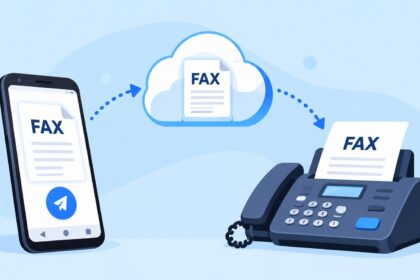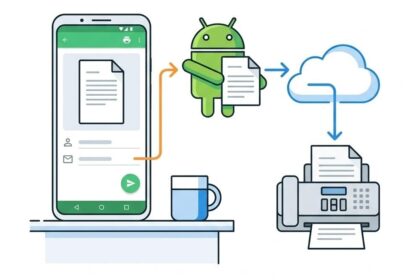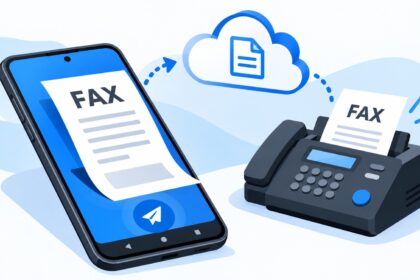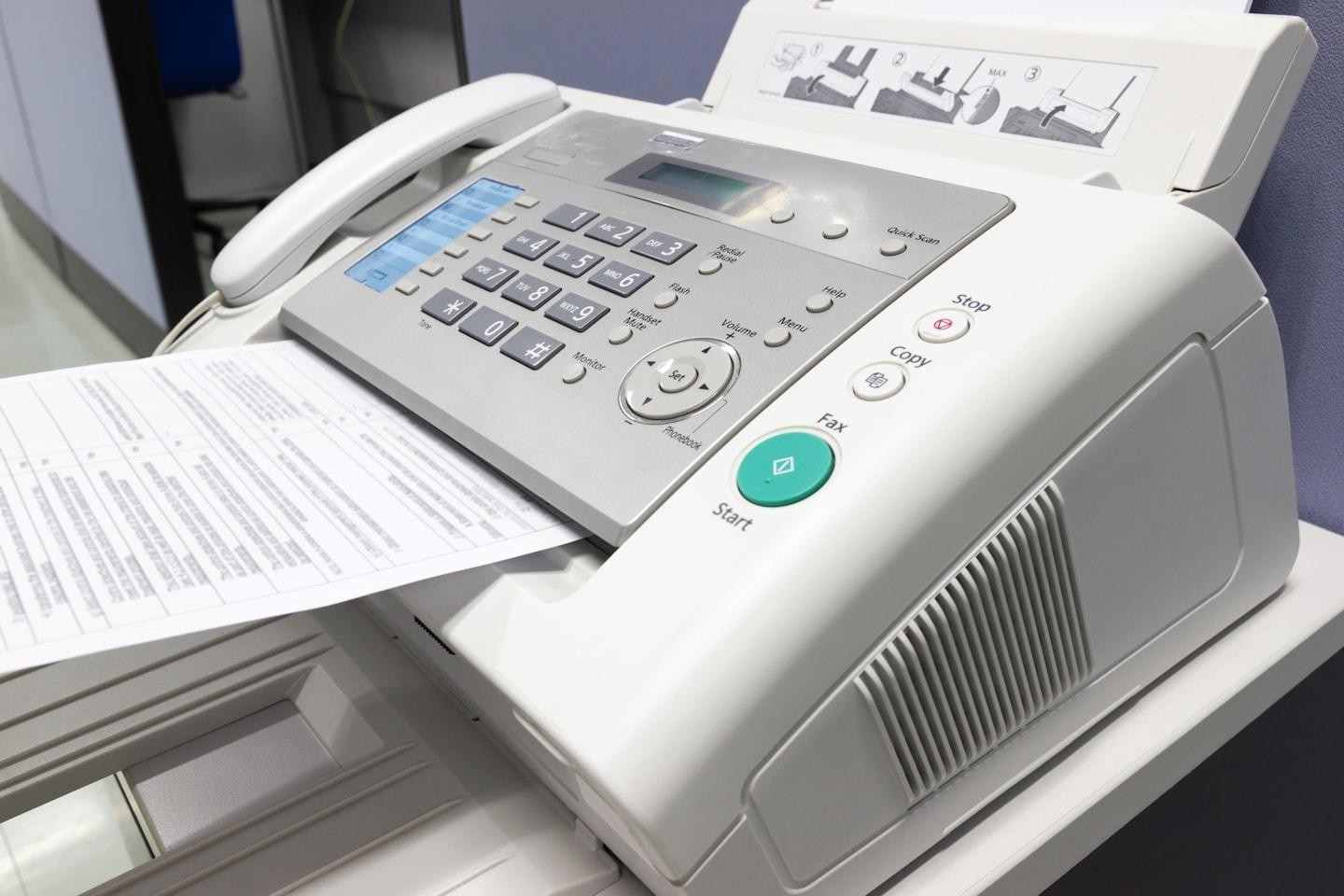
The best way to fax from iPhone in 2026 is to use a dedicated fax app or online service, since iPhones lack built-in faxing hardware or modem support. Healthcare, legal, financial, and government sectors still rely on fax transmission, making mobile fax apps essential for professionals. This guide ranks the leading fax apps and online services that let you send and receive faxes directly from your iPhone, with features including document scanning, digital signatures, cloud storage, encryption, and delivery tracking—all without requiring a traditional fax machine or landline connection.
| Fax Service | Best For | Free Option | Pricing Model | Key Features | Encryption & Compliance |
|---|---|---|---|---|---|
| Municorn Fax App | Simple, reliable mobile faxing | Yes | Pay-per-fax & subscription plans | Document scanning, digital signatures, cloud storage, real-time tracking | End-to-end encryption, industry-standard security |
| eFax | Business fax numbers & integration | Trial available | Monthly subscription ($10–$40/month) | Business fax number, email integration, receive faxes via email | AES encryption, HIPAA-compliant options |
| iFax | Enterprise-grade faxing | No | Monthly ($8.33–$30/month) | 256-bit AES encryption, unlimited cloud storage, 24/7 support | HIPAA & GLBA compliant, end-to-end encryption |
| FaxBurner | Occasional faxing & low cost | Yes (5 pages free) | Pay-per-page or in-app purchases | Temporary fax number, Dropbox/email integration, document signing | Standard encryption, email delivery confirmations |
| WiseFax | No subscription required | Yes | Pay-as-you-go (no hidden fees) | File format conversion, multiple document types, fax confirmation emails | Standard encryption, transparent pricing |
| Fax from iPhone | International faxing | Yes | Weekly, monthly, or yearly subscription | Send to 180+ countries, receive faxes, unlimited pages | Secure transmission, free fax number included |
1. Municorn Fax App: Straightforward Mobile Faxing for 2026
Municorn Fax App delivers a no-nonsense approach to sending and receiving faxes from your iPhone. The service combines simplicity with the essential features professionals and occasional users need: document scanning via your phone’s camera, digital document signatures, cloud-based file storage, and real-time status tracking for every fax sent.
The platform supports multiple document formats and allows you to build fax cover sheets before transmission. Real-time delivery confirmations notify you immediately when your fax reaches the recipient. Municorn Fax App’s cloud storage keeps your fax history organized and accessible, eliminating the need to maintain physical or scattered digital records.
Pricing and Accessibility: Municorn Fax App operates on a flexible model with both pay-per-fax options and subscription plans, making it adaptable to different usage patterns. Users can test the service with a free tier before committing to a paid plan. The app includes a free fax number for receiving inbound faxes, and international faxing capabilities extend reach across borders.
Security Features: End-to-end encryption protects sensitive documents in transit, addressing compliance concerns for healthcare, legal, and financial sectors. The service prioritizes data privacy without compromising usability.
Why Choose Municorn Fax App: The app excels when you need reliable, straightforward faxing without excessive complexity. No subscription lock-in; pay only for what you use. Ideal for small business owners, consultants, and remote professionals who need faxing capability as part of their toolkit but don’t require enterprise-level features.
2. eFax: Business-Grade Faxing with Email Integration
eFax stands out for professionals requiring a dedicated business fax number and seamless email integration. The platform assigns you a permanent local fax number (US, Canada, or international), allowing clients and partners to fax you directly. All inbound faxes arrive in your email inbox as PDF attachments, eliminating the need to check a separate fax portal.
Core Capabilities: Send faxes directly from your iPhone app or email; receive faxes via email; store unlimited faxes in cloud archive; access fax history and delivery reports; manage cover sheets and signatures. Outbound faxes can reach over 180 countries.
Pricing Structure: eFax offers tiered monthly subscriptions ranging from $10 to $40, depending on included fax volume and feature set. A trial period lets you test the service before committing. Annual plans may provide cost savings for committed users.
Compliance and Security: Supports AES encryption for fax transmission and offers HIPAA-compliant accounts for healthcare organizations, meeting regulatory requirements in regulated industries.
Best Use Cases: Law firms, medical practices, accounting firms, and corporate departments that need a traditional business fax number but operate in a mobile-first environment.
3. iFax: Enterprise Faxing with 24/7 Compliance Support
iFax has positioned itself as the first iPhone fax app, launching alongside the original App Store in 2008. Today, it focuses on enterprise and compliance-heavy use cases, offering tiers from Basic ($8.33/month) through Professional plans for large organizations.
Standout Features: 256-bit AES end-to-end encryption (industry standard for sensitive documents); unlimited cloud storage for archived faxes; unlimited free fax number in the US, Canada, or UK; real-time tracking and delivery confirmation; 24/7 multilingual customer support.
Compliance Certifications: iFax holds HIPAA (Health Insurance Portability and Accountability Act) and GLBA (Gramm-Leach-Bliley Act) certifications, making it suitable for healthcare providers and financial institutions transmitting protected information.
Ideal For: Organizations with strict regulatory requirements, large-volume faxing needs, and teams requiring round-the-clock support and compliance documentation.
4. FaxBurner: Minimal-Cost Entry Point with Temporary Numbers
FaxBurner removes friction for users who fax occasionally and want to avoid subscription commitments. The app provides 5 free pages per user as an introductory offer. Beyond the free tier, you pay only for pages sent via in-app purchases, with no recurring charges.
Unique Capability: Each time you send a fax, FaxBurner assigns you a temporary fax number valid for 24 hours. This number can receive inbound faxes during that window, offering flexibility for time-limited project work or one-off transmissions. Integrations with Dropbox and email let you import documents directly from cloud storage or your inbox.
Additional Tools: Document signing, form filling, and notification alerts for incoming faxes ensure you stay informed without constant monitoring.
Audience: Freelancers, remote workers, and individuals who need faxing as an occasional utility rather than a core business function.
5. WiseFax: Transparent Pay-As-You-Go Pricing
WiseFax eliminates hidden costs and subscription lock-in by operating on a pure pay-as-you-go model. The app is free to download and install; you’re charged only for successfully delivered faxes. Pricing is calculated before you send, so no surprise charges appear later.
Document Support: Supports Apple Pages, Numbers, Keynote, Adobe PDF, Microsoft Office, OpenOffice, LibreOffice, and image formats (JPEG, GIF, PNG, HEIC, TIFF, BMP). The app auto-converts and optimizes documents for fax transmission, reducing manual file preparation work.
Workflow: Upload or photograph your document, select pages to fax, enter the recipient’s country and fax number, and review the calculated cost before approval. Fax delivery confirmation arrives via email.
Best For: Users who prioritize cost transparency, need infrequent faxing, and want no ongoing subscription burden.
6. Fax from iPhone: International Reach with Flexible Terms
Fax from iPhone emphasizes global faxing capability, supporting transmission to over 180 countries. The app offers flexible subscription options: weekly, monthly, or yearly plans to match your usage pattern and budget.
Key Offerings: Send faxes with unlimited pages (no per-page limits); receive faxes on a dedicated fax number; scan documents using your phone camera or import from photos, email, or cloud storage; digital document signatures; secure transmission protocols.
Subscription Flexibility: Short-term billing cycles (weekly plans available) appeal to travelers, international remote workers, and consultants with variable faxing demands. Auto-renewal is enabled by default but can be disabled in iPhone Settings under iTunes Account settings at least 24 hours before renewal.
Use Case: Professionals managing cross-border communications, expatriates, and multinational teams requiring reliable international fax service without long-term contracts.
How We Ranked: Our Methodology
We evaluated each fax app and online service based on: pricing transparency (subscription vs. pay-as-you-go models, free trial availability), feature set (scanning, signatures, cloud storage, international coverage, email integration), security and compliance (encryption standards, HIPAA/GLBA certifications, audit trails), user interface design (ease of sending/receiving, mobile optimization), customer support (availability, response time, multi-language support), platform compatibility (iOS native app availability, web access), and real-world usage feedback (user ratings in app stores, published reviews, documented case studies). We excluded products with incomplete information or unverifiable claims. No product paid for placement; rankings reflect feature and value analysis for the 2026 landscape.
Key Criteria for Choosing the Best Way to Fax from iPhone
Pricing Model
Subscription vs. Pay-Per-Use: Subscription services (eFax, iFax) suit high-volume users; pay-per-fax models (WiseFax, Municorn Fax App) fit occasional senders. Evaluate monthly faxing frequency to determine the cost-effective option.
Security and Compliance
Healthcare, legal, and financial sectors require HIPAA or GLBA certification. iFax and eFax explicitly support compliant transmissions. Standard encryption (256-bit AES) protects document confidentiality in transit. Verify your industry requirements before selecting.
Fax Number Ownership
Business faxing benefits from a dedicated fax number (eFax provides this; Municorn Fax App and others offer free numbers for receiving). Personal or temporary faxing may not require number ownership (FaxBurner’s approach).
International Coverage
If you fax to multiple countries, verify the app covers your recipient countries. Fax from iPhone supports 180+ countries; most mainstream services cover North America and major European/Asian markets.
Document Format Support
WiseFax auto-converts Apple productivity apps, Office, and image formats. Other apps may require pre-conversion. Assess your document pipeline to minimize prep time.
Integration Ecosystem
FaxBurner and WiseFax integrate with Dropbox, email, and cloud storage. eFax ties faxes to your email inbox. Evaluate whether existing tools (Gmail, OneDrive, iCloud) connect to your chosen service.
Can You Fax from iPhone Without an App?
Technically, yes, but with limitations. iPhones lack native fax capability, so you cannot fax using iOS Mail, Files, or built-in tools. However, web-based fax services let you log in through Safari and send faxes via a browser interface. This approach works but sacrifices the optimized mobile experience of a dedicated app. Apps like Municorn Fax App, eFax, and others provide faster access, camera integration for scanning, and system notifications—features unavailable in web interfaces on iPhone. For consistent mobile faxing, an app remains the superior solution.
Best Way to Fax from iPhone Free: Limited but Available Options
Several services offer free or freemium faxing from iPhone. FaxBurner allows 5 free pages per user; Municorn Fax App includes a free tier with limited faxes per month; WiseFax is free to download, with charges only for sent faxes. Fax from iPhone and eFax provide trial periods. Free options work for testing or minimal faxing but impose page limits or trial expiration. Professionals anticipating regular faxing should compare free limits against likely monthly volume and select a paid plan if free tiers prove inadequate.
FAQ
How can I send a fax through my iPhone?
Download a fax app (Municorn Fax App, eFax, iFax, or others listed above) from the App Store. Open the app, scan or import your document, enter the recipient’s fax number, add a cover sheet if desired, and tap send. The app handles transmission via internet connection; no fax machine or phone line required. Delivery confirmation arrives within minutes.
How much does UPS charge for faxing?
UPS Stores charge approximately $2–$5 per page for outbound faxing, depending on location and document complexity. A 5-page fax costs $10–$25 in-store. Subscription fax apps typically cost less for regular use; eFax ranges $10–$40/month with unlimited faxing included, making app-based solutions more economical for frequent senders.
How to fax for free?
Several apps offer free faxing: FaxBurner provides 5 free pages initially; Municorn Fax App includes a free tier; WiseFax charges only for sent faxes with no subscription. Web-based fax services sometimes offer limited free pages monthly. Free limits typically suffice for occasional use but exhaust quickly with frequent faxing. Upgrading to a paid plan ($8–$40/month) provides unlimited or high-volume faxing at lower per-page cost.
Is eFax still free?
No, eFax no longer offers a completely free plan. However, the service provides a trial period (typically 30 days) allowing you to test features before paying. Paid eFax subscriptions range from $10 to $40 monthly depending on included fax volume and features. The trial gives new users free access to evaluate whether the service meets their needs before committing financially.
What is the best fax app for iPhone in 2026?
The best app depends on your needs. Municorn Fax App excels for straightforward, affordable faxing with flexible pay-per-use options. eFax suits business users needing a dedicated fax number and email integration. iFax serves enterprises requiring HIPAA compliance and 24/7 support. FaxBurner appeals to casual faxers avoiding subscriptions. Evaluate pricing, security requirements, and feature priority to select the best fit for your situation.
Do iPhone fax apps require a phone line?
No. iPhone fax apps transmit over internet connection (WiFi or cellular data), not traditional phone lines. This eliminates the need for a physical fax machine, landline, or phone line connection. Any iPhone with internet access can send and receive faxes using these apps, regardless of whether you maintain a landline.